Network: gateway, switching, Wi-Fi
A UniFi gateway handles routing, firewall and VPN; a PoE switch carries power and data on one cable; Wi-Fi 6 / 7 access points cover desks, meeting rooms and the warehouse. All of it in one interface.

Integrated enterprise network
Most offices buy their network, cameras and door access from three different suppliers, and end up with three apps and three logins. UniFi puts them on one management platform; we design it, install it, configure it, and can run it for a monthly fee.
Most companies buy their IT in separate pieces: one supplier for the network, another for CCTV, another for door access. The result is three apps, three sets of accounts and three maintenance contracts, and suppliers pointing at each other when something breaks.
UniFi puts network (Network), surveillance (Protect) and door access and intercom (Access / Talk) on one management platform:
It is worth saying what integration is not: it does not mean replacing every device at once. We assess first, work out what can stay and what is worth changing, then sequence the work by risk and budget.
Four modules
Each module can be delivered on its own. Delivered together, they share one set of accounts, permissions and records.
A UniFi gateway handles routing, firewall and VPN; a PoE switch carries power and data on one cable; Wi-Fi 6 / 7 access points cover desks, meeting rooms and the warehouse. All of it in one interface.
Cameras, recorders and disk health managed together, with 4K, AI detection (people and vehicles) and live view on your phone. A failing disk is flagged early, not when recording has already stopped.
Card, PIN, phone unlock and video intercom; access rights set per person and per time window, so changing who gets in does not mean changing locks.
Guest and staff networks kept apart (VLAN), site-to-site VPN, outbound connection monitoring and a security baseline check, reported in the monthly report.
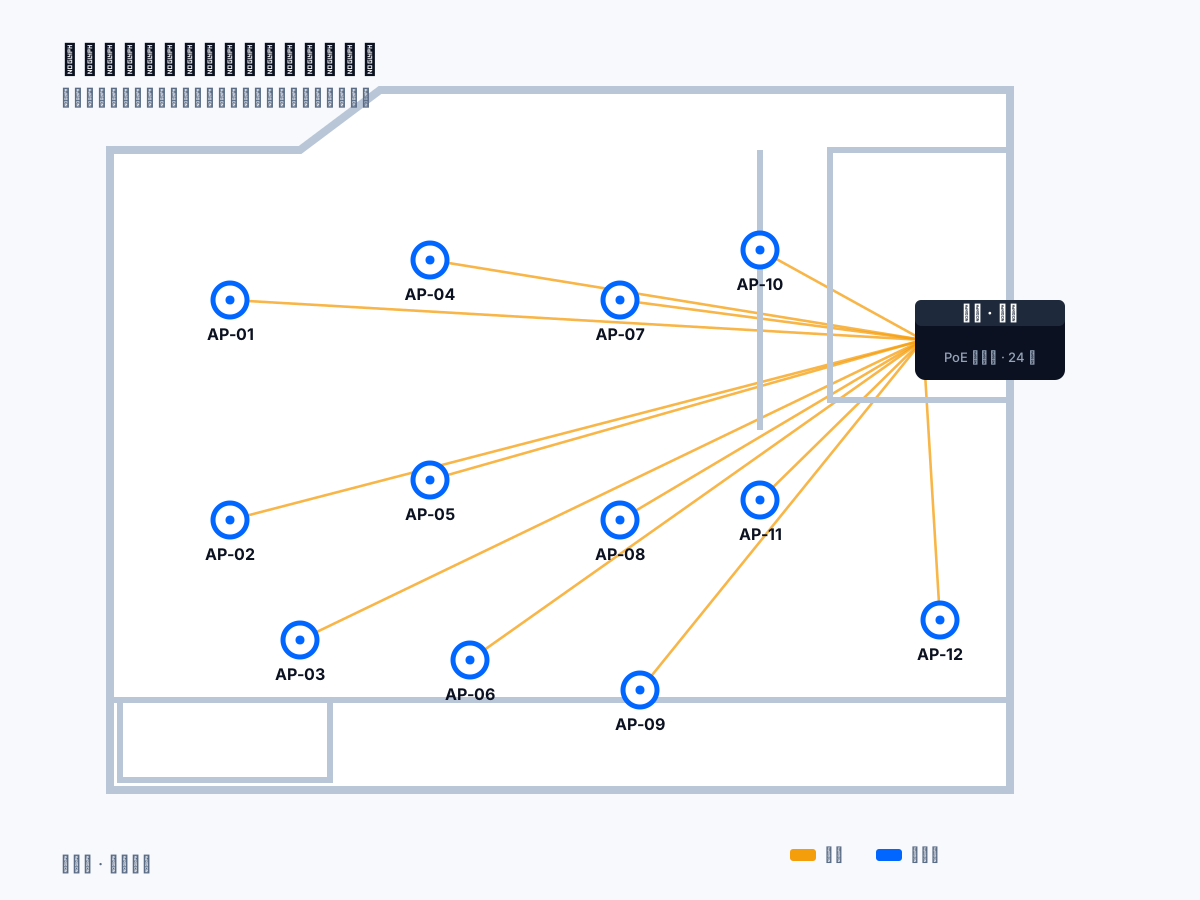
From floor plan to quote
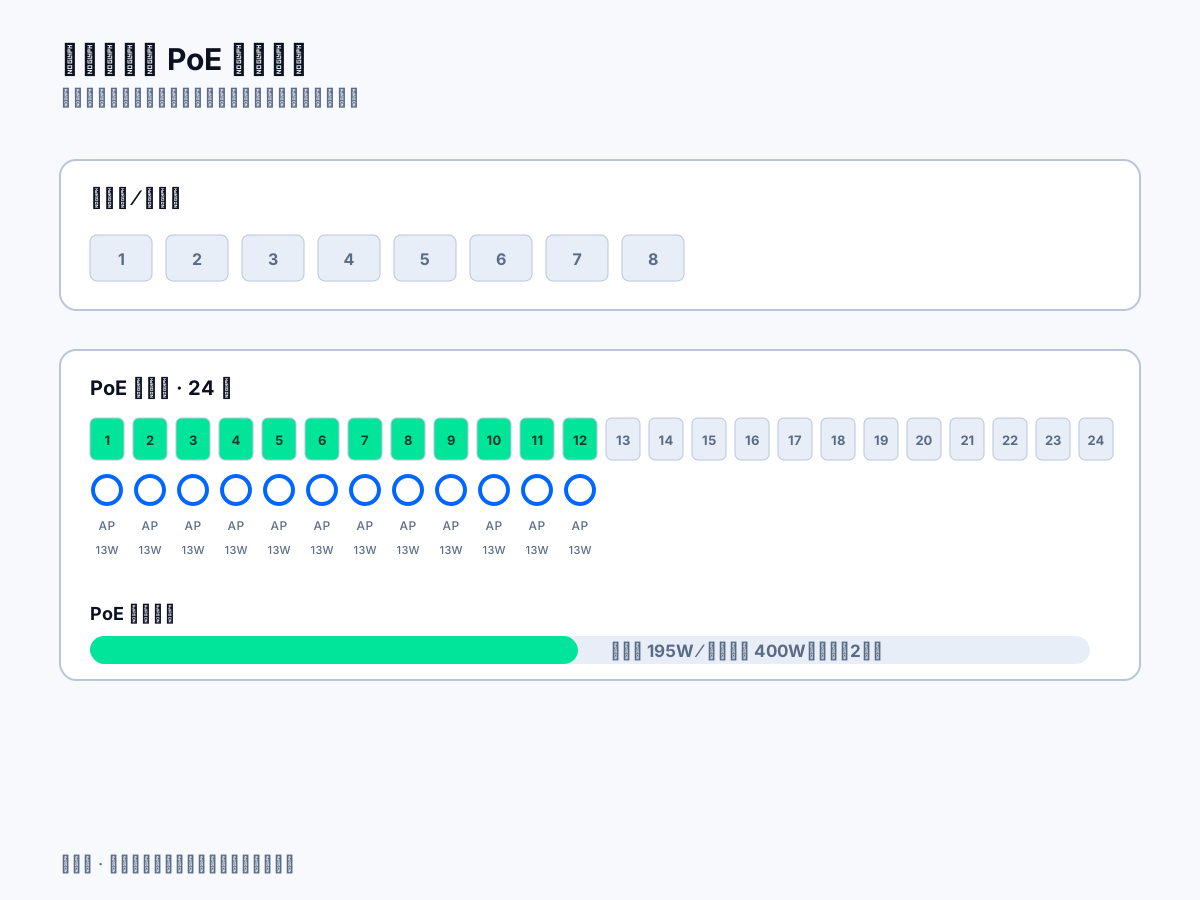
The quote is not a guess. You send a floor plan or site photos; we mark where the gateway, switch and each access point goes, draw the cable routes, run a Wi-Fi coverage simulation, then list the port allocation and PoE power budget — the model numbers and quantities on the quote are counted out item by item.
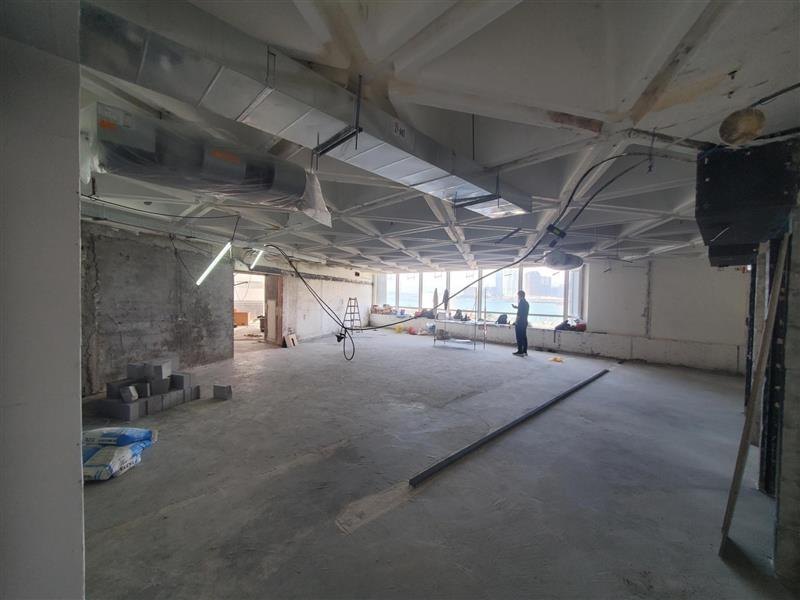
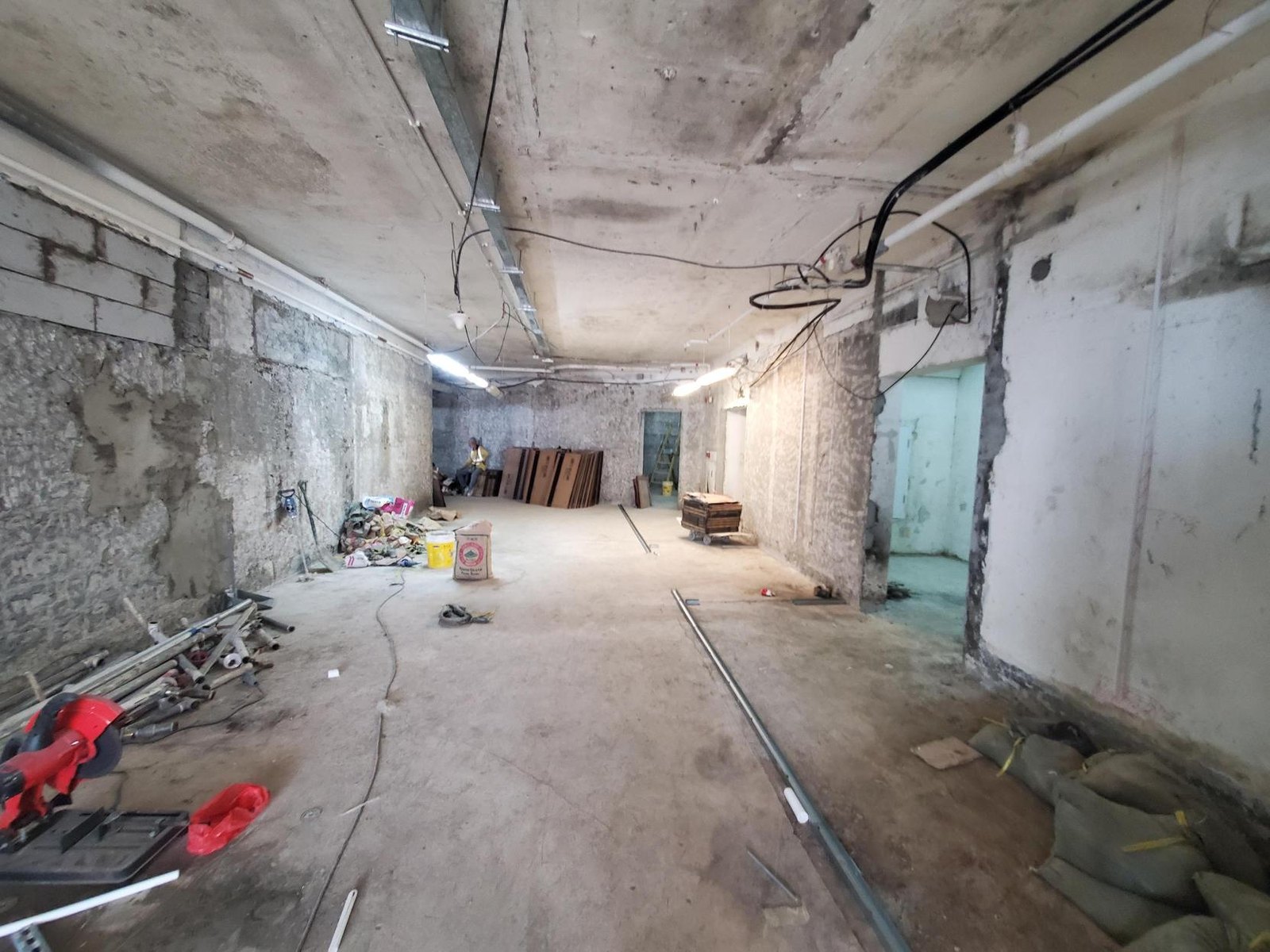
Besides the plan view, the coverage simulation is also produced as a 3D view, so the venue's partitioning, ceiling height and coverage can be seen at a glance. The images below are for one exhibition space project (HKAC Gallery). The floor plan, the topology and the port map are concept diagrams that show the approach; the heat map and the 3D view are actual output from the vendor's design tool. The exact model mix and quantity are confirmed again against measured dimensions and partitioning on site.
Design output
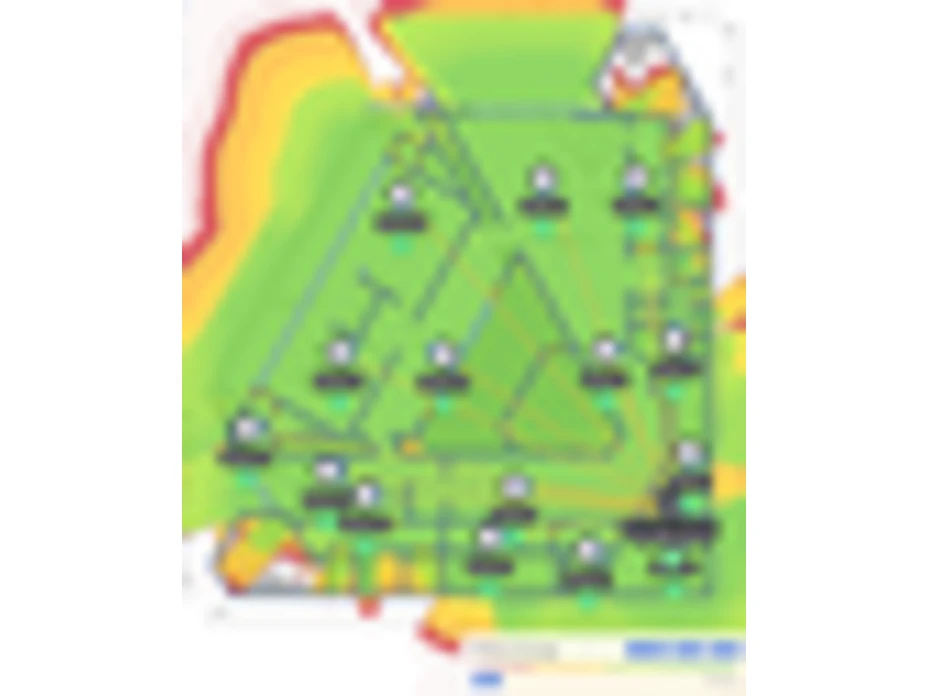
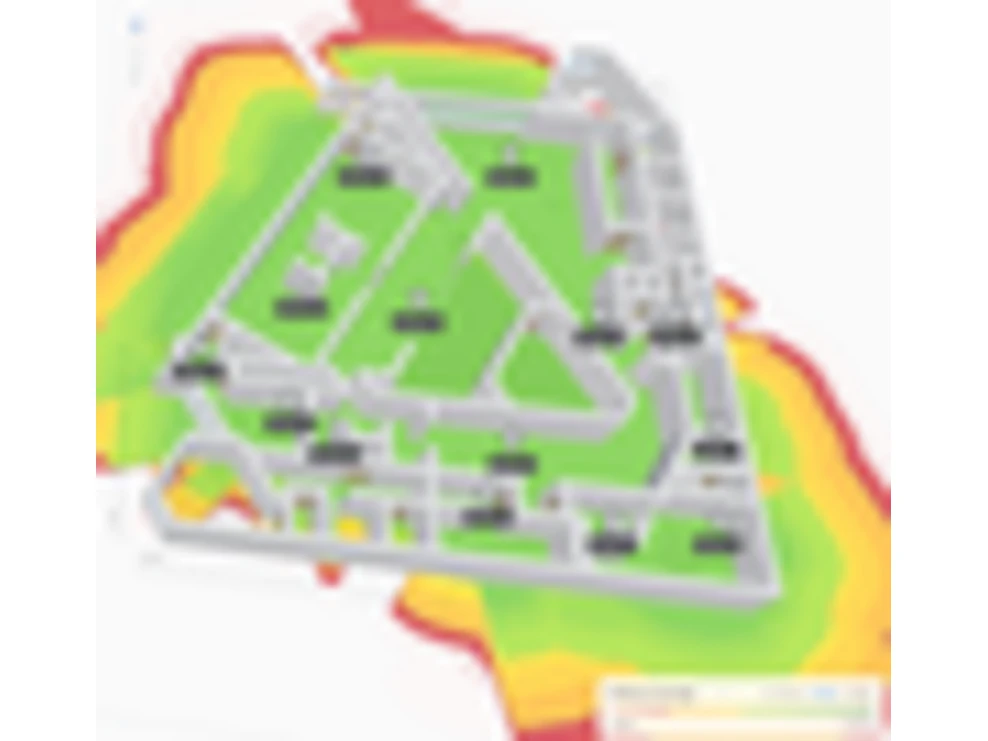
Network topology
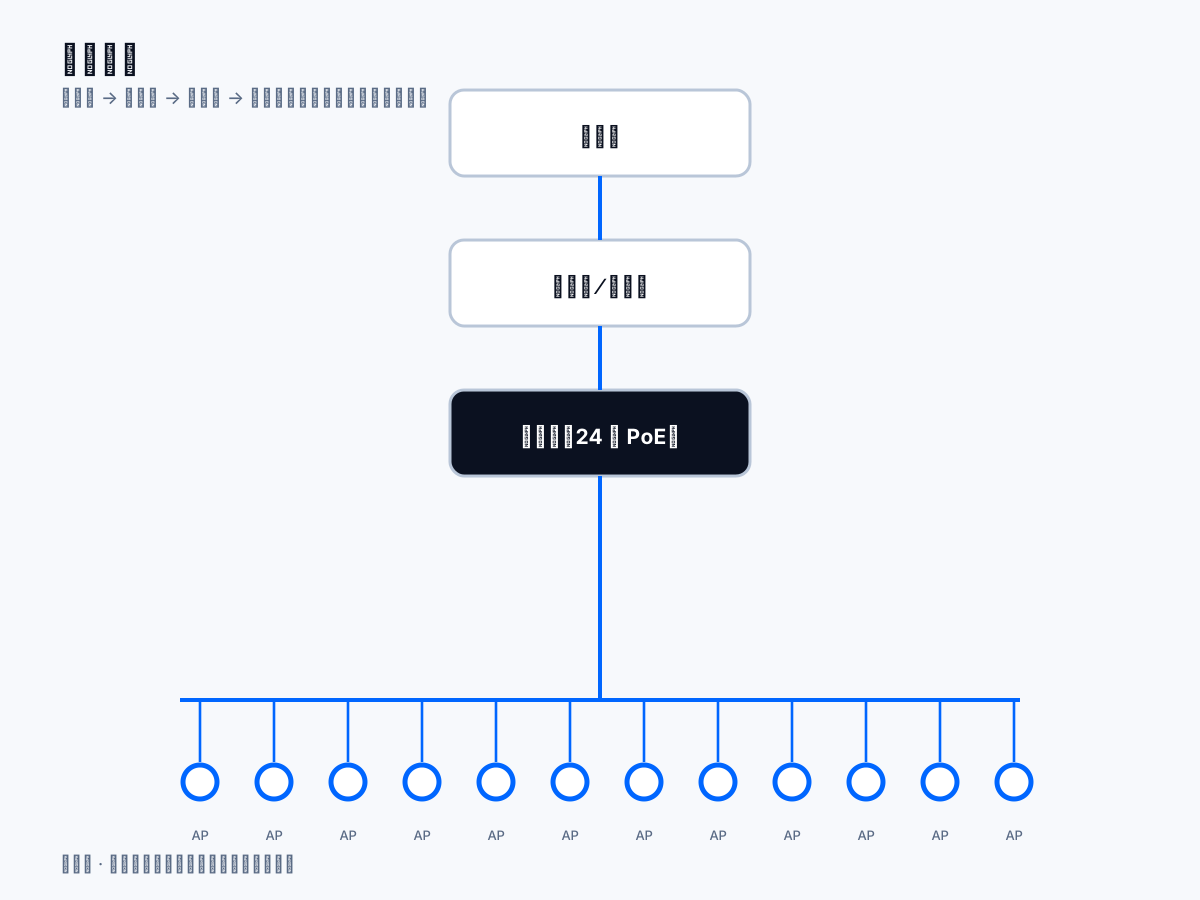
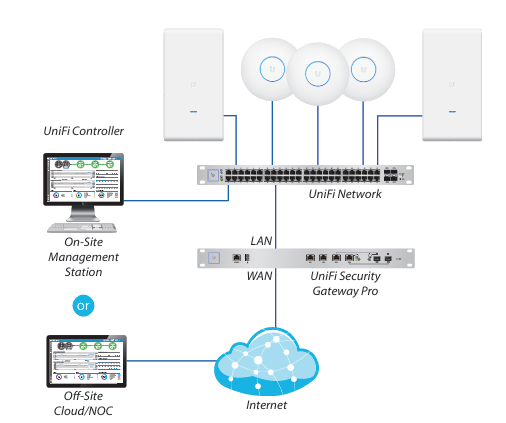
The internet reaches the security gateway first, and the switch then carries power and data to every wireless access point; the CCTV recorder, the door readers and the storage all hang off that same switch. The controller runs either in your own cabinet (an on-site management station) or in the cloud under our remote management -- both are supported.
The control plane stays on site, so the LAN, door access and recording keep running when the internet is down; Site Manager is only how we look in from outside. The UniFi Network, Security Gateway and access points in this diagram are the same hardware we design, supply, install and manage.
After integration
The value of integration is not “one brand”. It is how much faster the everyday work and the fault-finding become.
Head office and branches in one list, with no logging in site by site.
A swap or a new access point shows up immediately, so nothing drifts out of step with a spreadsheet.
Network events, alerts and footage sit on one timeline, which makes tracing a fault much faster.
Cameras, access points and card readers are powered by the switch, cutting power points and socket works.
Maintenance and monthly managed service together, instead of chasing three suppliers.
Add a device and it is managed straight away, with no new interface to learn.
How we work
Four steps from the first visit to handover, each with documents and a fixed price.
We visit, measure and read your floor plan, plan access point, camera and reader positions, confirm cable routes and point counts, then quote a fixed price.
Hardware comes through Ubiquiti, all Hong Kong stock, and we handle warranty claims on your behalf.
Cabling, rack and patch panel work, VLAN and SSID configuration, testing point by point, and an as-built drawing set at handover.
Optional GNS CARE monthly managed service: device data read through the official API, analysed on our own AI platform, with replacement arranged before hardware fails.
Two approaches
You do not have to use one brand everywhere. But when the four areas are run separately, both the daily work and the fault-finding get slower.
| What is included | UniFi on one platform How we do it | Separate suppliers |
|---|---|---|
| Management | ||
| Management interface | UniFi on one platform One platform, everything in it | Separate suppliers One interface per device type |
| Accounts and permissions | UniFi on one platform One set of roles and rights | Separate suppliers Managed system by system |
| Day to day | ||
| Events and footage | UniFi on one platform One timeline | Separate suppliers Pieced together by hand |
| Power | UniFi on one platform PoE on one cable | Separate suppliers A power run per device |
| Contract and growth | ||
| Maintenance | UniFi on one platform One monthly contract | Separate suppliers Separate renewals and quotes |
| Expansion | UniFi on one platform Plug in and it is managed | Separate suppliers Compatibility re-checked each time |
Where it fits: offices, shops and retail, clinics, schools and tutoring centres, warehouses and industrial units, village houses and detached homes.
What we do:
Other pages: bundle pricing | GNS CARE managed service | shop | schools | technical whitepaper | project experience | FAQ
Official video
Official Ubiquiti video for the next-generation enterprise networking line (published 2026-09-03). The gateways, switches and access points in it are the same hardware we integrate on one management platform; CCTV and door access attach to that same switch.
FAQ
These are the ones that come up most. Anything else, just contact us.
The difference shows up in management and fault-finding. With integration, the network, CCTV and door access share one set of accounts, permissions and timeline, so tracing an incident does not mean logging into three systems and lining up three clocks. The hardware is not always dramatically cheaper, but the daily work and the fault-finding are far quicker.
No. We manage UniFi systems, so the backbone of an integrated design is UniFi. If you already have equipment from another brand, such as an older switch or camera, we assess whether it can stay and then suggest a sequence for replacing the rest, rather than insisting on a wholesale swap.
We can assess whether its features, licensing and performance are still adequate. If you keep it, we can integrate UniFi network, Wi-Fi and CCTV behind it. One caveat: some of the predictive AI work, which reads device telemetry for anomaly analysis, only applies to UniFi devices.
The hardware carries the Ubiquiti manufacturer warranty, with claims handled by us. On top of that you can add GNS CARE monthly managed service, which covers monitoring, updates, backup, a monthly report and fault follow-up. See the GNS CARE page for detail.
It depends on scale. For a typical office or shop, survey to handover is around two to four weeks. Larger or multi-floor sites get a programme and timeline in the quote. Where you pull the cable, we confirm routes and points with you before we start.
Yes. All four modules, network, CCTV, door access and intercom, and security, can be delivered independently. We sequence by risk and budget, starting with whatever is hurting day-to-day operations most.
It is per device endpoint (gateway, switch, access points, cameras, recorder, door access and intercom), with a monthly minimum: from HK$800 on Essential and HK$2,000 on Complete. Security hardening is an add-on at HK$500 a month. Minimum term is 12 months, and the fee is fixed rather than charged per visit.
Contact us for a free check. We will review how your existing devices are running, point out the risks and the room for improvement, then sequence the work by module and budget and quote a fixed price.