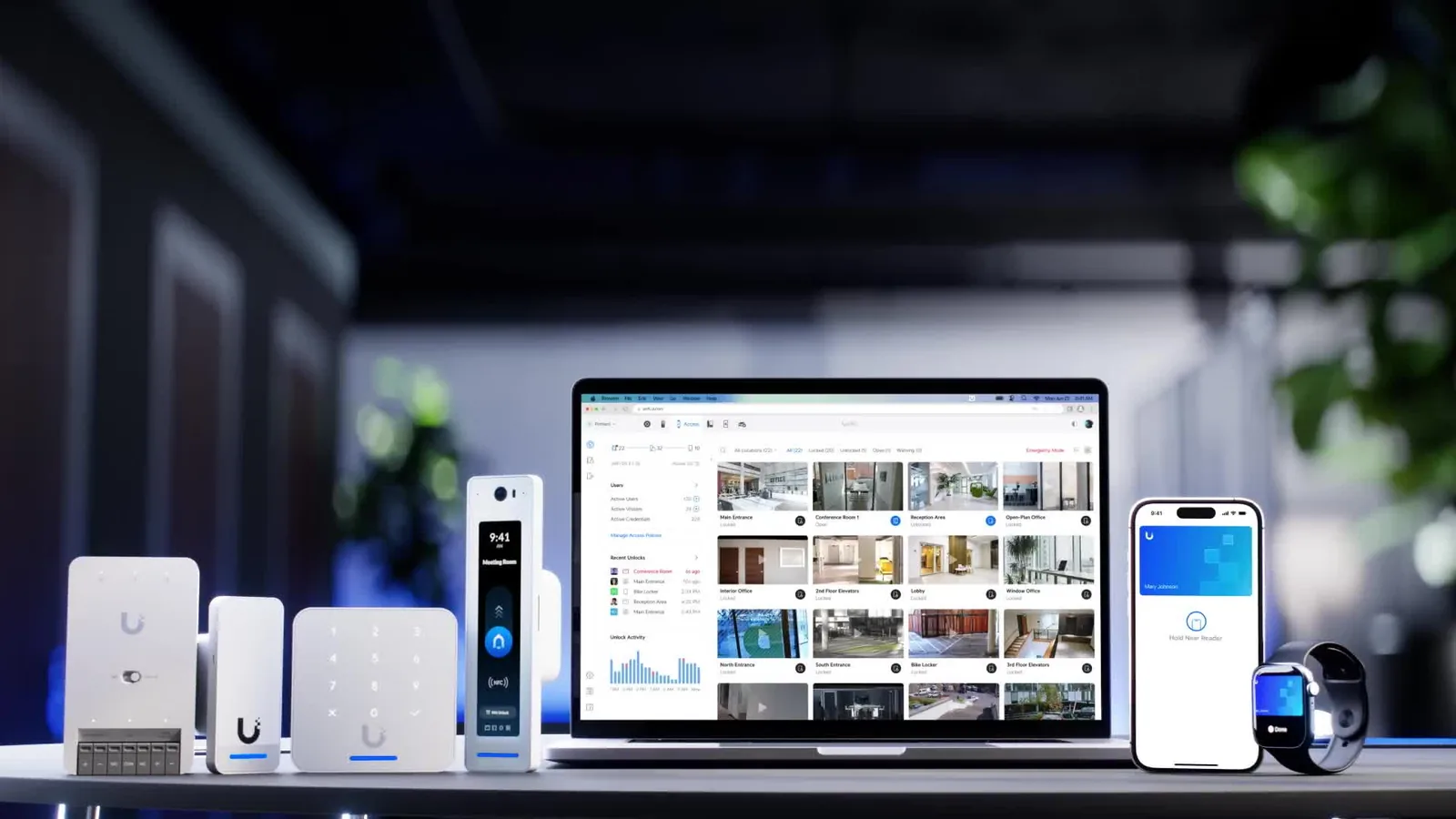
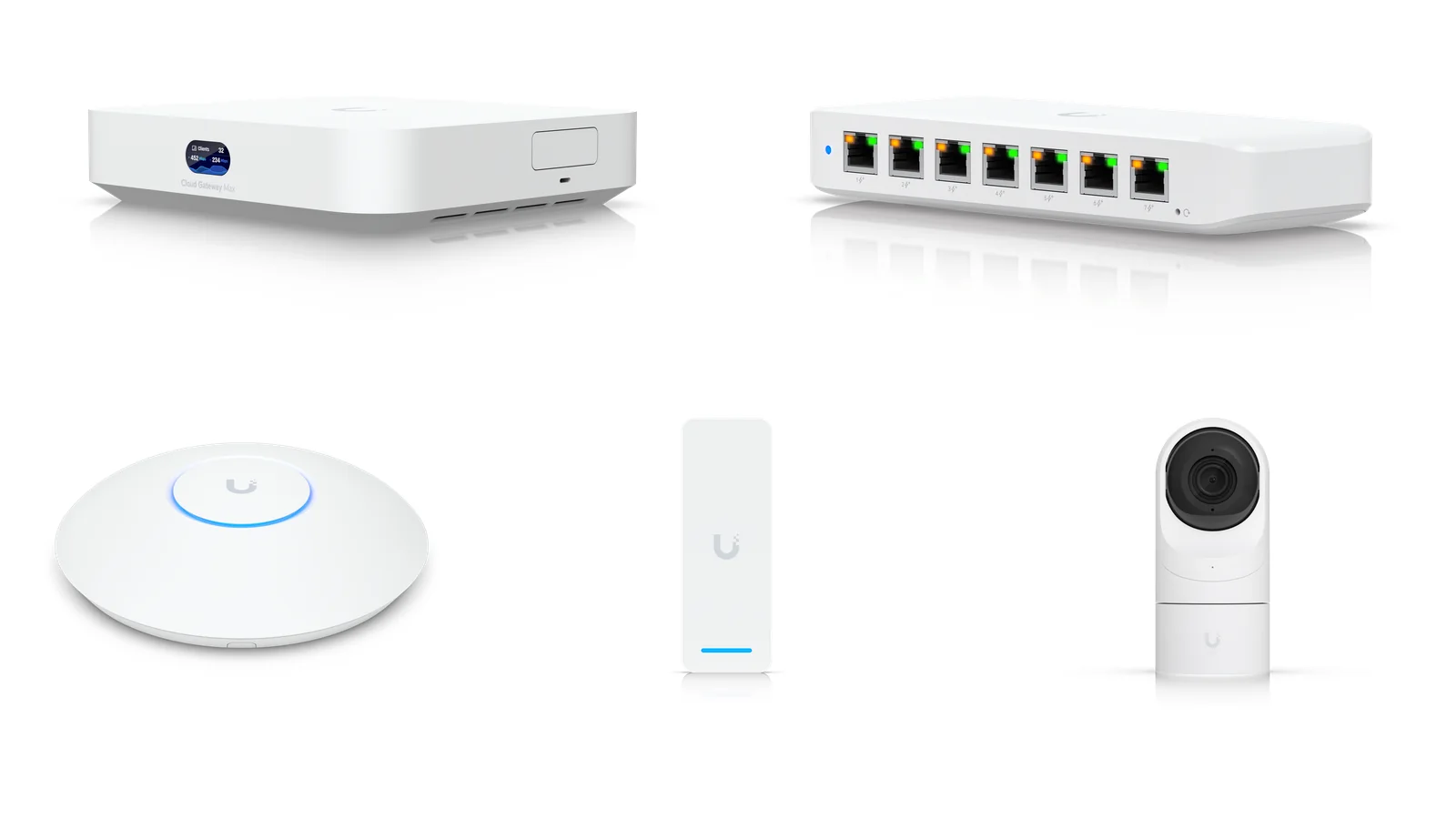
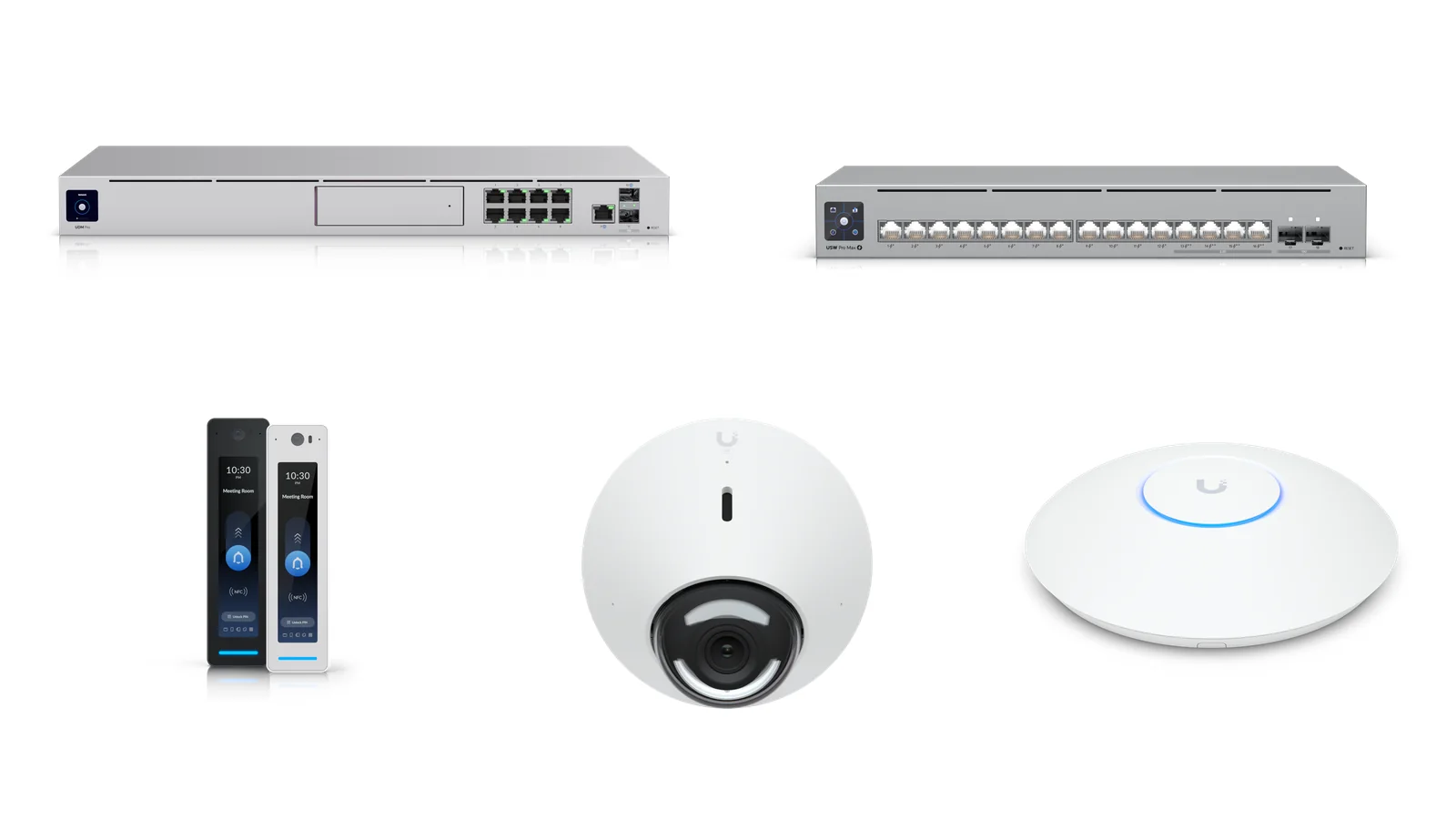
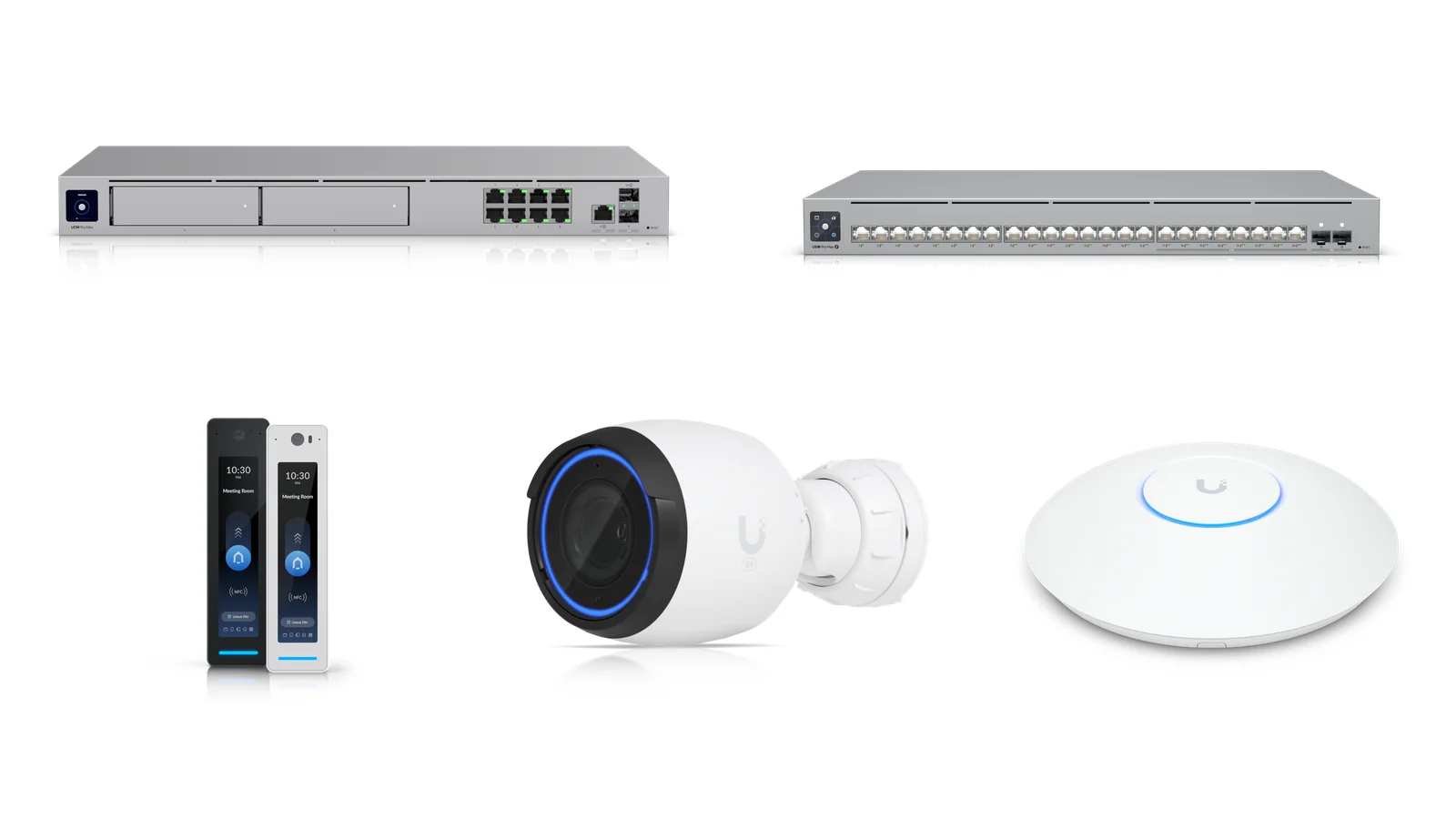
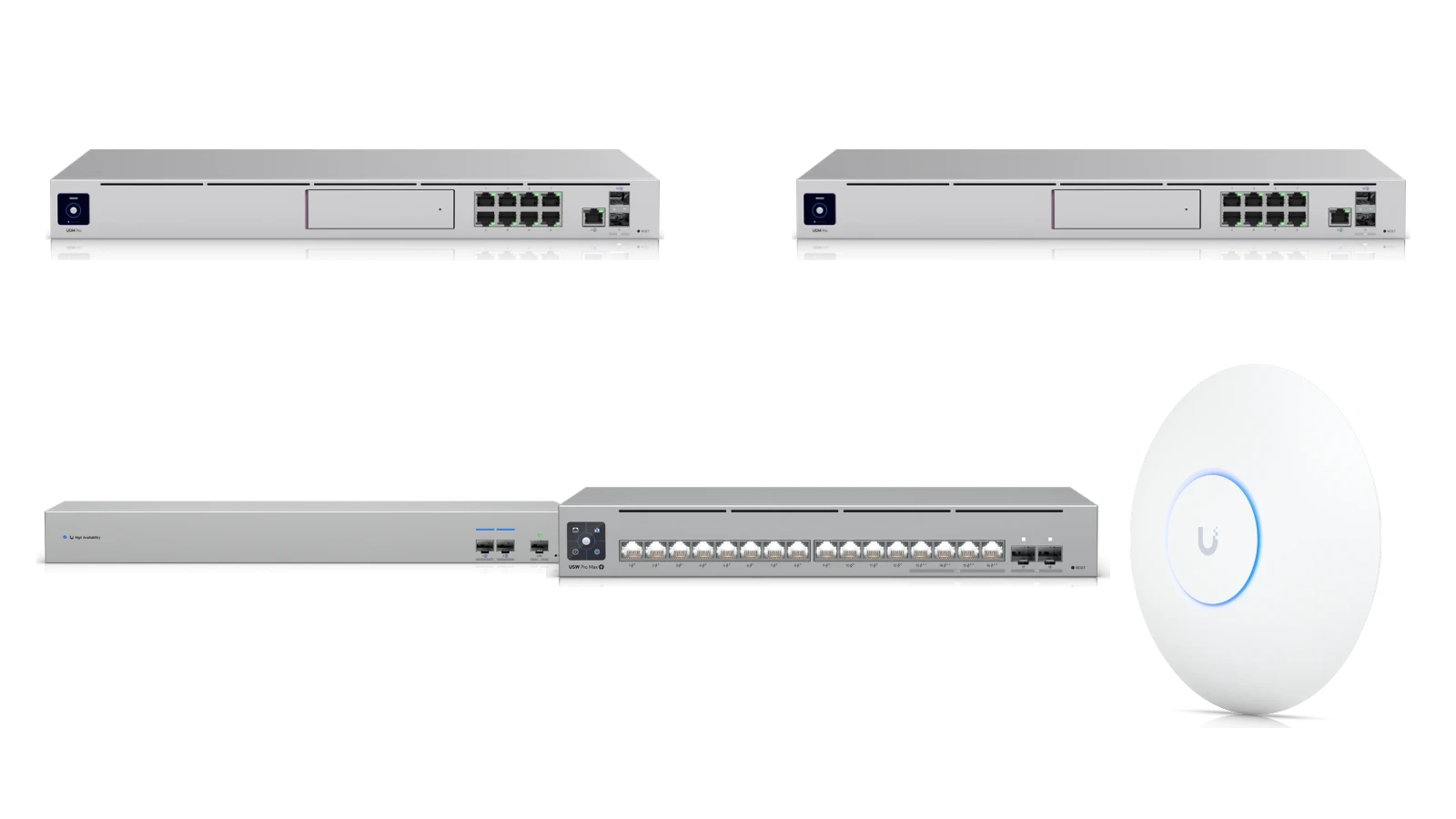
We pre-configure the gateway, switch, access control, cameras and Wi-Fi into four kits sized by headcount, floor area and tolerance for downtime. Power budget, bandwidth and 30-day recording capacity are already worked out; each kit shows its hardware total, with the managed security fee billed separately. We survey the site before you commit.
Every kit can run under GNS CARE: our own AI platform reads the device data and swaps parts before they fail, and you still own the hardware.
Four kits by headcount, floor area and downtime tolerance — nothing to spec yourself
PoE budget and the storage for 30 days of recording already sized
Internet, door access and cameras separated by hardware VLANs
Adjust any line — start with the network and add door access or cameras later
The lists below, with the hardware total for each kit and the managed security fee on its own line; final quantities follow the floor plan, door positions and ceiling height.
What does your site need?
Tick what you need and only the kits covering all of it stay below; tick nothing and all four show.
Cameras and recording
Door access
Network and security
Add managed service?
Tick it and a kit joins the cart with its monthly fee; pick one of the two managed tiers — security hardening stacks on top.
No cabinet and no fans — it sits on a desk or shelf
One door and two cameras run off one gateway
Wi-Fi 7 coverage for five people on video calls at once
Fully managed service, monthly
HK$800 /month
Not included in the hardware total; estimated from the 6 device endpoints in the list (Essential tier), with the monthly minimum applied; Complete from HK$2,000 a month
5–20 people Hardware VLAN separation
5–20 person standard security bundle
Who it suits: Small and mid-sized offices, design studios, businesses with a comms cabinet or rack
Hardware total
HK$30,355
Each line at the shop price; installation, cabling and works excluded
Layer 3 micro-segmentation: unplugging a camera or reader still cannot reach the core
400W of PoE covers every camera, reader and access point with headroom
Fully managed service, monthly
HK$1,330 /month
Not included in the hardware total; estimated from the 18 device endpoints in the list (Essential tier); Complete from HK$2,000 a month
Zero-downtime Shadow Mode dual gateway
Dual-gateway HA network kit
Who it suits: Clinics, POS tills, server rooms, finance and stock systems where the network cannot go down — and any office that does not want CCTV or door access
Hardware total
HK$17,300
Each line at the shop price; installation, cabling and works excluded
Two gateways in Shadow Mode — if the active unit fails the standby takes over, with no one swapping cables
The UniFi WAN Switch lets both gateways share a single ISP line, so no second broadband contract is needed
Each gateway keeps a spare WAN port, so a second line can be added later for dual-WAN failover
No cameras, no door access, no 30-day recording drive — just networking, Wi-Fi 7 and a 3.5 Gbps IPS firewall
Fully managed service, monthly
HK$800 /month
Not included in the hardware total; estimated from the 6 device endpoints in the list (Essential tier), with the monthly minimum applied; Complete from HK$2,000 a month
Hardware total = every line in the list summed, with UniFi devices at the shop price. The monthly fee is separate and not included; it is counted per device endpoint (Essential from HK$800 a month, Complete from HK$2,000 a month), and the final device count and quote follow the site survey.
No kit covers everything you ticked — we can spec one to your list instead.
Your list is stored in this browser only. Send it by WhatsApp or email and we confirm supply and reply with a quote.
UniFi architecture
One console runs the whole network
UniFi puts networking, door access and recording into one system with three layers: the console, the PoE switch and the devices at the edge. Each layer scales on its own and everything is managed from one interface.
01
Layer 1 — the console (UniFi OS)
A Cloud Gateway, CloudKey or NVR runs UniFi OS with Network, Protect and Access built in, and holds the 30 days of recording. The control plane runs locally in your office, so the internal network keeps working when the internet is down.
02
Layer 2 — the PoE switch
One PoE switch powers and connects access points, cameras and readers. We separate internet, door access, cameras and guests onto their own VLANs, then restrict traffic between them with firewall rules, so a compromised device cannot move sideways.
03
Layer 3 — the devices
Access points, readers and cameras appear in the same UniFi interface as soon as they are plugged in: firmware, status and configuration backups managed in one place, with no per-device logins.
04
No compulsory licensing
UniFi hardware is a one-off purchase and Network, Protect and Access carry no mandatory licence fee — only optional cloud services are billed. It is one of the main reasons we recommend UniFi to SMEs.
The layering follows Ubiquiti's UniFi Architecture Overview: every site keeps its own local control plane and is orchestrated remotely through Site Manager, so door access, the internal network and recording keep running when the internet is down.
Our job is to plan that architecture for your site, supply it, configure it and hand it over with complete documentation. See integrated enterprise network for the full scope, and frequently asked questions for the rest.
Every bundle includes
Four things that never change with the tier
Whichever tier you pick, these four are standard.
01
Site survey and plan
We measure the floor, look at door positions, ceiling height and existing cabling, then adjust the quantities. Nothing is forced into a fixed package.
02
Hardware-level separation
Internet, door access, cameras and guests each get their own VLAN with firewall rules between them. A device that is unplugged or compromised still cannot reach another segment.
03
30 days of recording
Capacity is calculated from the number of cameras and their resolution, and confirmed before delivery. We size and configure the storage; recording carries no monthly fee.
04
Standard interfaces and cable runs
Controller, lock and camera positions and their PoE points are listed and left ready in one pass, so nothing has to be re-opened later.
Official video
Meet the New UniFi Design Center
Official Ubiquiti video for the new UniFi Design Center (published 2026-09-24). The Design Center works out coverage and device counts from a floor plan; we verify every quantity in a bundle against door positions, ceiling height and measured interference during the site survey before ordering.
GNS footage
UniFi Network Devices Preview
A GNS video previewing the UniFi network devices used in our solution bundles — gateways, switches and access points — so you can see the actual hardware and how it is deployed.
FAQ
Common questions about the bundles
If your question is not here, just get in touch.
What does a bundle price include?
A bundle has two parts: the one-off hardware at the shop prices in the list and the managed security fee, which is billed on top. The hardware total covers the hardware only, so installation, cabling and configuration are quoted separately, and it excludes renovation work, electrical works and door hardware. The quote lists every model, quantity and unit price.
How are the hardware total and the monthly fee worked out?
The hardware total is every line in the list summed, with UniFi devices at the shop price. The monthly fee is billed on top and is not part of the hardware total: it is counted per UniFi device endpoint (gateway, switch, access point, CCTV camera, NVR, door access and Talk phones), with GNS CARE Essential from HK$800 a month and GNS CARE Complete from HK$2,000 a month, on a 12-month minimum term. The figure on each card is an estimate from that bundle's own device list — the monthly-fee calculator lets you try your own counts. Final quantities and pricing are confirmed in writing after the free site assessment.
What is the difference between the four kits?
The 1–5 person kit runs networking and door access on a single Cloud Gateway Max, with one door and two cameras. The 5–20 person kit moves to a 1U Dream Machine Pro and Pro Max 16 PoE with four doors and five cameras. The 20+ kit uses a Dream Machine Pro Max and a 400W Pro Max 24 PoE with four doors, eight cameras and three access points. The fourth kit is network-only: two Dream Machine Pros in Shadow Mode (active and standby) plus a WAN Switch so both share one ISP line, with no cameras and no door access.
Can we do only part of it?
Yes. The four kits are a starting point — start with the network and Wi-Fi, and leave door access and cameras for a later phase.
Can models or quantities be changed?
Yes. You can step up to Wi-Fi 7 U7 Pro access points, increase the PoE budget, or add doors and cameras. We re-check the PoE budget and recording capacity in the quote so nothing runs short later.
How is 30 days of recording calculated?
Daily write volume is estimated from camera count, resolution and recording mode, then multiplied by 30. Four 2K cameras need roughly 4TB; eight mixed 2K and 4K cameras need about 8TB. Office incidents are often noticed days or weeks later, so 30 days gives you room to look back.
Does UniFi need an annual licence?
No. UniFi hardware is a one-off purchase and Network, Protect and Access carry no mandatory licence fee — only optional cloud services are billed separately. That is one of the main reasons a bundle stays inexpensive to own.
Is every item in the bundle in the online shop?
Yes. Every UniFi hardware line maps to the same model, specifications and indicative price in the shop, so you can compare or add items later — the bundle hardware price is simply the total of the lines in the list.
What is the lead time and handover process?
We confirm lead time within one working day. Once the hardware is on site the GNS engineering team configures the network, VLANs, door access and recording, and hands over the port map, rack layout, admin credentials and a configuration backup.
How does warranty work?
Hardware carries the manufacturer warranty and we handle the Hong Kong claim. On a managed plan, configuration issues and day-to-day follow-up sit with the same GNS engineers.
What if we have not chosen a kit yet?
Start with a free site assessment. We measure the floor, review door positions and existing cabling, then produce an indicative list and price you can compare against other quotes.
Want a bundle quoted?
Send us a floor plan or photos of the door positions and we will come back with a first-cut list and indicative pricing before booking the site visit.